
01 Oct 2026
2
Scheduling a message for ten years from now is simple. Making sure it still reaches the right person is the harder part. Your email address may change, a reminder can get lost, and a message you no longer recognize may look like spam.
The best way to prepare is to choose a lasting destination, write enough context for your future self to recognize the message, and store the letter somewhere other than a draft in your inbox.
Why a Message Can Get Lost Over Ten Years
A reminder in your calendar depends on you still using the same account, device, and routine a decade from now. A scheduled email in your own mailbox depends on that mailbox surviving too.
Accounts tied to work, school, or an internet provider may close when you move on. Even personal accounts can change or become inaccessible. People have also reported losing years of messages from their inboxes, so an email stored only in one mailbox may not be as permanent as it feels.
There is another, less obvious risk: trust. If a message arrives from an address or service you do not recognize, you may mistake it for a scam and delete it before reading. A personal detail in the opening line can help your future self place the letter right away.
For a shorter time horizon, see our guide to writing a year-end letter to your future self. For a decade-long wait, it is worth planning for more than the date.
Check Your Plan for These Risks
Before scheduling, ask yourself:
- Does the plan rely on me remembering to send the message in ten years?
- Is the message only a draft or a scheduled send in my own inbox?
- Am I sending it to a work or school address that could be closed?
- Can I update the recipient address or revise the letter before delivery?
- Would the opening sentence help me recognize who wrote it?
- Are photos attached to the letter, or do they depend on a cloud link that may expire?
One risk does not mean the letter will fail, but several together make delivery depend on luck. Start by choosing an address you expect to keep and a reliable way to hold the letter until its delivery date.
How to Schedule an Email Ten Years Ahead
- Choose a durable email address. Use a personal account you control rather than an employer, school, or internet-provider address. Keep its password unique and enable two-factor authentication.
- Make the letter recognizable. Open with a nickname, place, or memory that will make sense to you. Then describe what your life is like today; the details are part of what makes the letter meaningful later.
- Include the memories you want to keep. If the service supports attachments, add important photos or video directly instead of relying only on links to folders that could move or disappear.
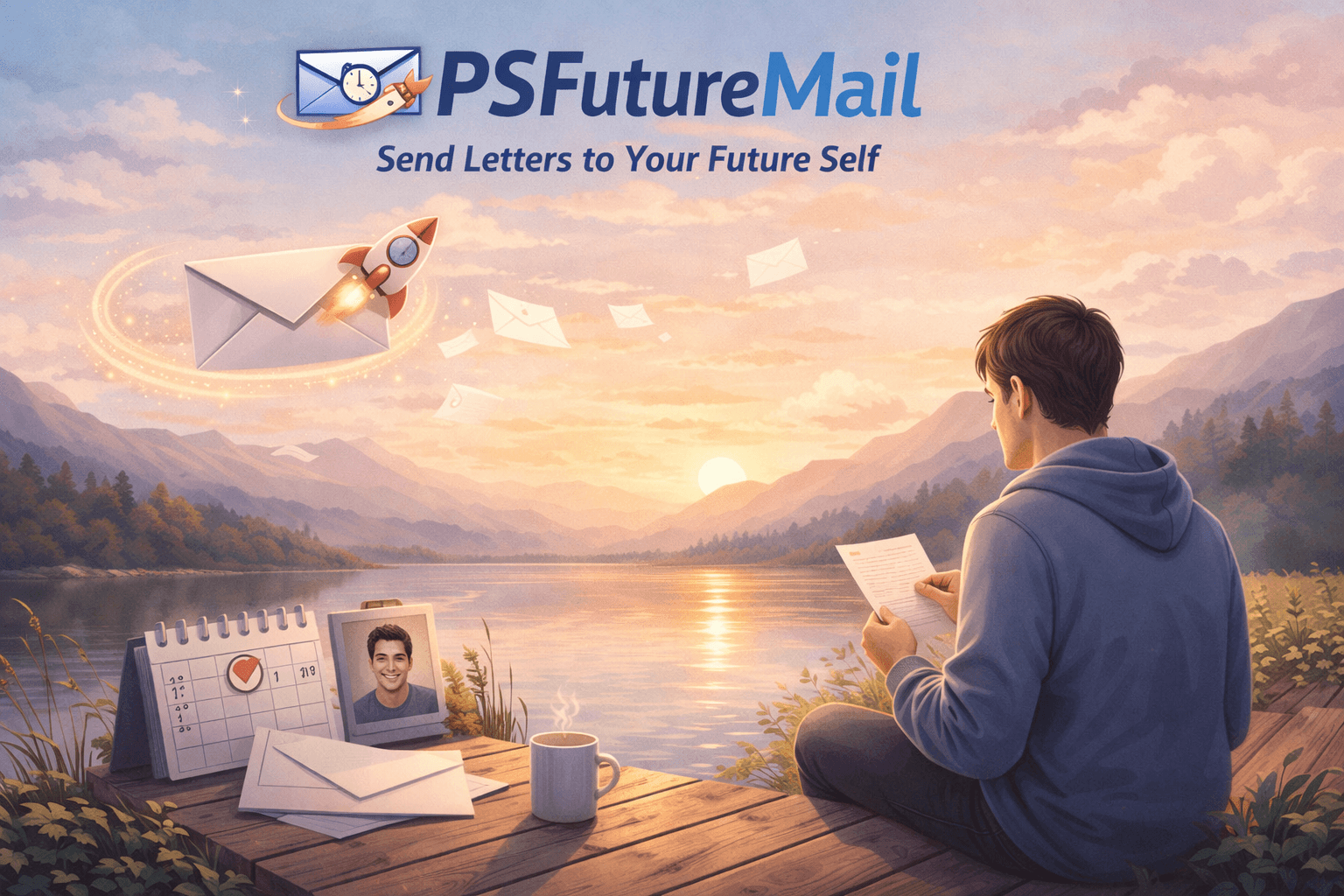
- Schedule it outside your inbox. In PSFutureMail, write a letter, enter the recipient address, and choose a delivery date ten years out. You can add the service to your address book to help recognize the delivery email.
- Check the details periodically. If your email address changes, update the recipient while the letter is still scheduled. A birthday or an annual reflection is a convenient time to review it; a mid-year letter can serve as a reminder too.
Where PSFutureMail Fits
PSFutureMail stores the letter for its scheduled delivery rather than leaving it as a draft in your inbox. You choose the delivery date, and you can edit or rewrite the letter before it is sent. Letters are private by default and encrypted.
You can schedule a letter for yourself or send one to someone else. Paid letters support up to 10 MB of photos and video; free letters are text-only. The Free plan includes one letter to yourself per calendar year, and paid letter credits are valid for one year. See the pricing page for current plan details, or contact us with questions.
Frequently Asked Questions
How do I find emails older than ten years in Gmail?
Try a search such as before:YYYY/MM/DD, replacing the placeholder with your cutoff date. Add a sender or keyword to narrow the results, and search All Mail as well as your inbox so archived messages are included. If a message was deleted, searching will not restore it.
What is a lifetime email address?
People often use the phrase for an address they expect to keep long-term, rather than one connected to a job, school, or internet provider. A personal address you maintain is usually a better destination for a letter scheduled years ahead. This is different from PSFutureMail's Lifetime plan, which is a plan for scheduling letters.
How can I make sure a future email is not mistaken for spam?
Use an address you still control, add the sending service to your contacts, and write an opening line that helps you identify the message. These steps can help you recognize the delivery, though email providers ultimately decide where messages land.
How do I email someone after a long time professionally?
Acknowledge the time that has passed, remind them how you know each other, and explain why you are writing. Keep the message clear and respectful. The same idea works in a letter to your future self: include enough context that the reader can reconnect with the person who wrote it.
Sources
Join our newsletter!
Enter your email to receive our latest newsletter.
Don't worry, we don't spam

Related Articles
Public and Anonymous Letters Are Now Free - As Many As You Like
You can now write unlimited public and anonymous letters to your future self, on any plan, and every one is still delivered to you. Here is why we made the change and how it works.
How Can I Schedule an Email to Arrive in Ten Years?
A decade is a long time for an inbox, an account, and a memory. Here is how to write and schedule a future letter that has a better chance of reaching you.
A Mid-Year Letter to Your Future Self
We're halfway through the year. Before the second half slips by too, sit down and write a letter to the you who'll read it on the last night of December.